 Video for life insurance agents
Prospects pick the agent they already trust.
Practiq picks a timely topic, writes the script in your voice, runs the teleprompter and edits the video. Built for life insurance agents and mortgage pros.

Card required · iPhone · English and Portuguese · Book a walkthrough (opens in a new tab)

Every video takes six jobs. Only one needs you.
You know you should post, but a video eats an evening, and a shaky one risks your name.
- Handled by Practiq
Deciding what to talk about
- Handled by Practiq
Writing a script that sounds like you
- Handled by Practiq
Getting through it without rambling
- Handled by Practiq
Editing, captions and the post copy
- Handled by Practiq
Showing up every week
- Yours
Being the expert your clients trust
The part no app can do for you.
From a topic to a finished video.
Four steps, one recording, all on your iPhone.
Pick a topic, or bring your own
Timely topics from your field, or your own idea.
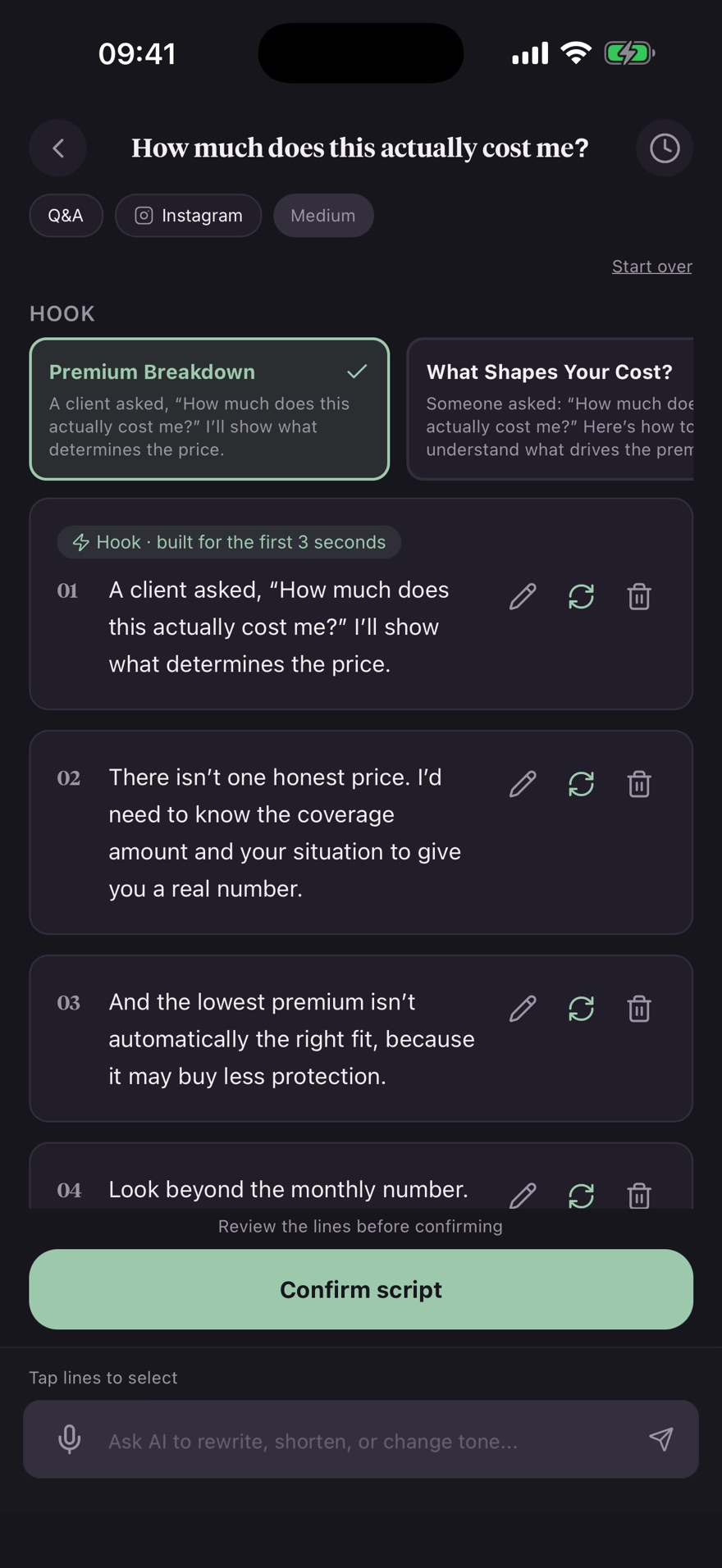
Record with the teleprompter
Read at your own pace. Redo any line.
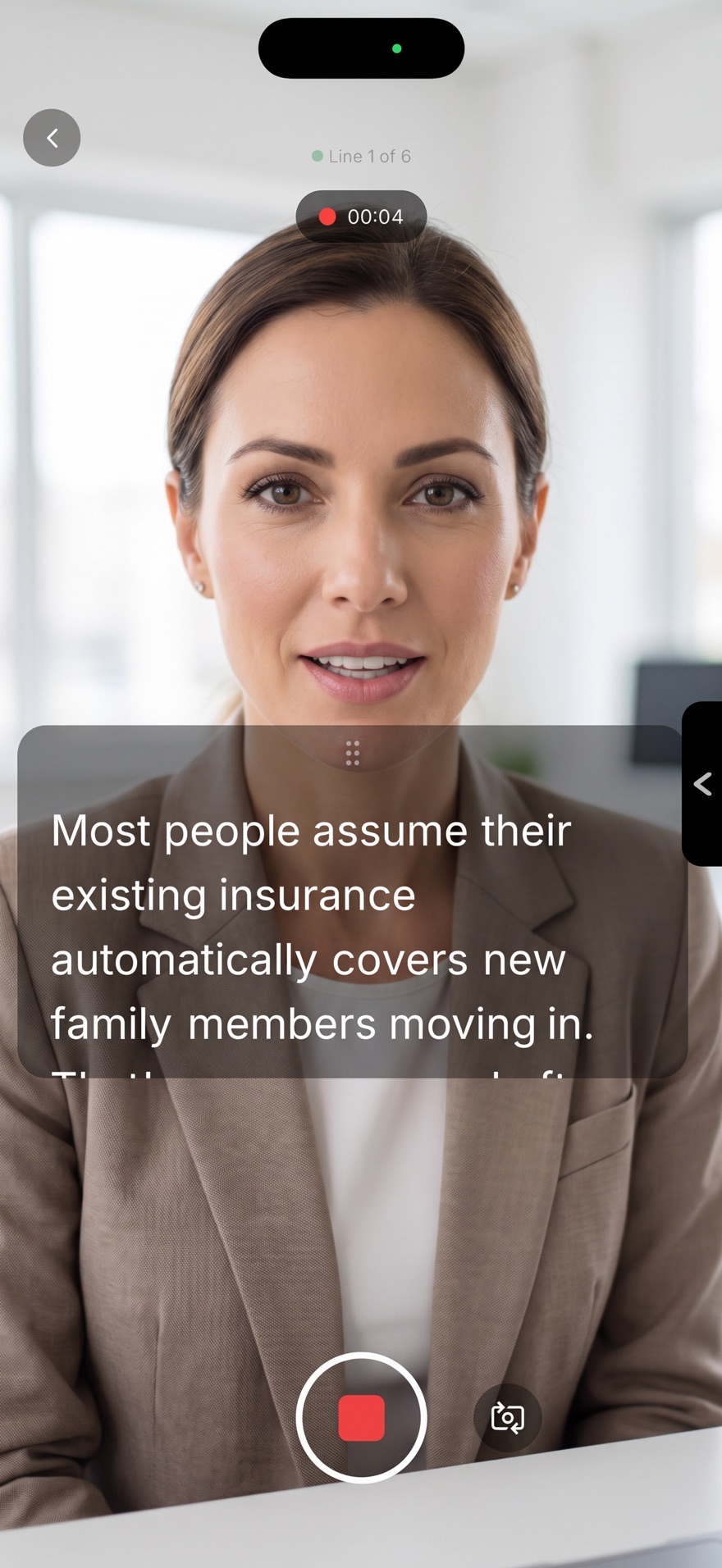
Editing is automatic
Clips joined, captions in your style.
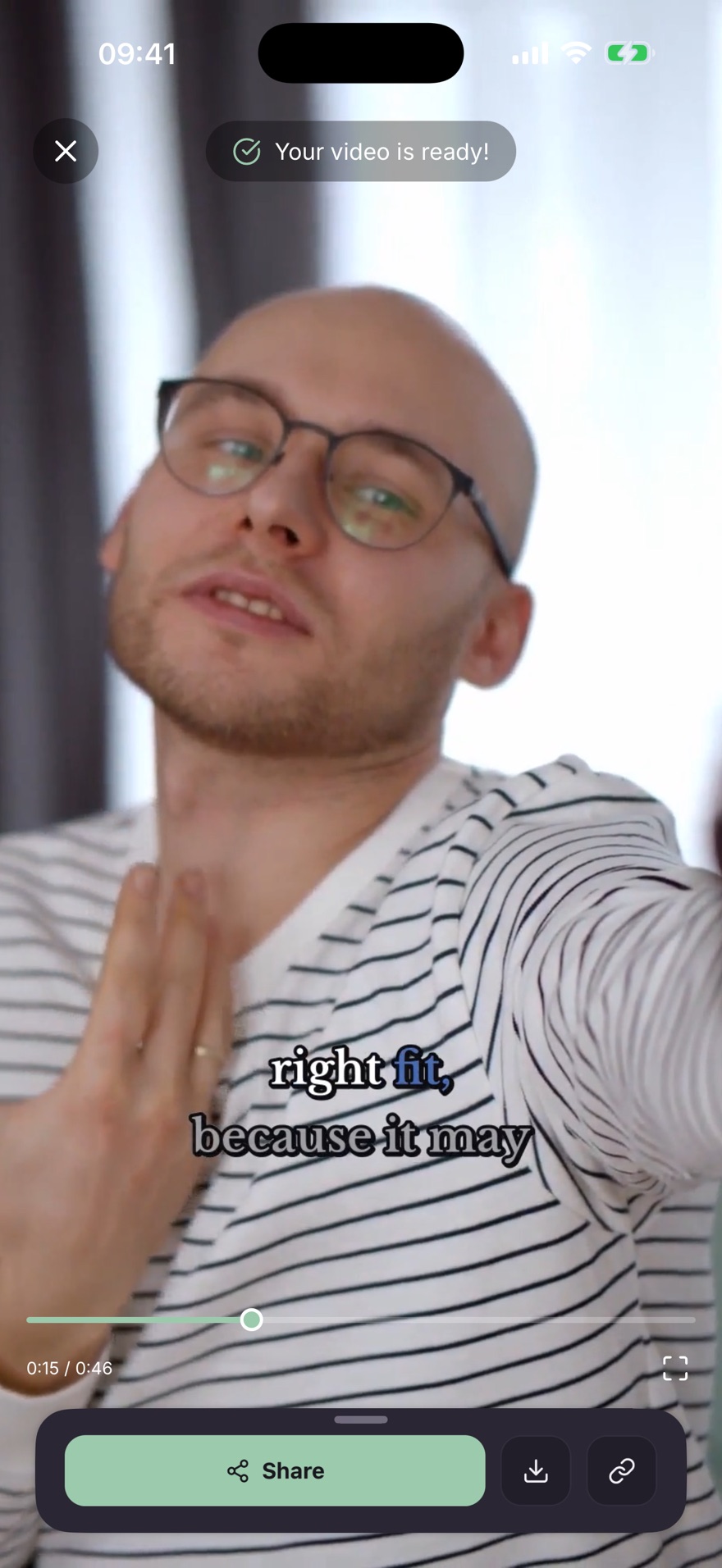
Review and post
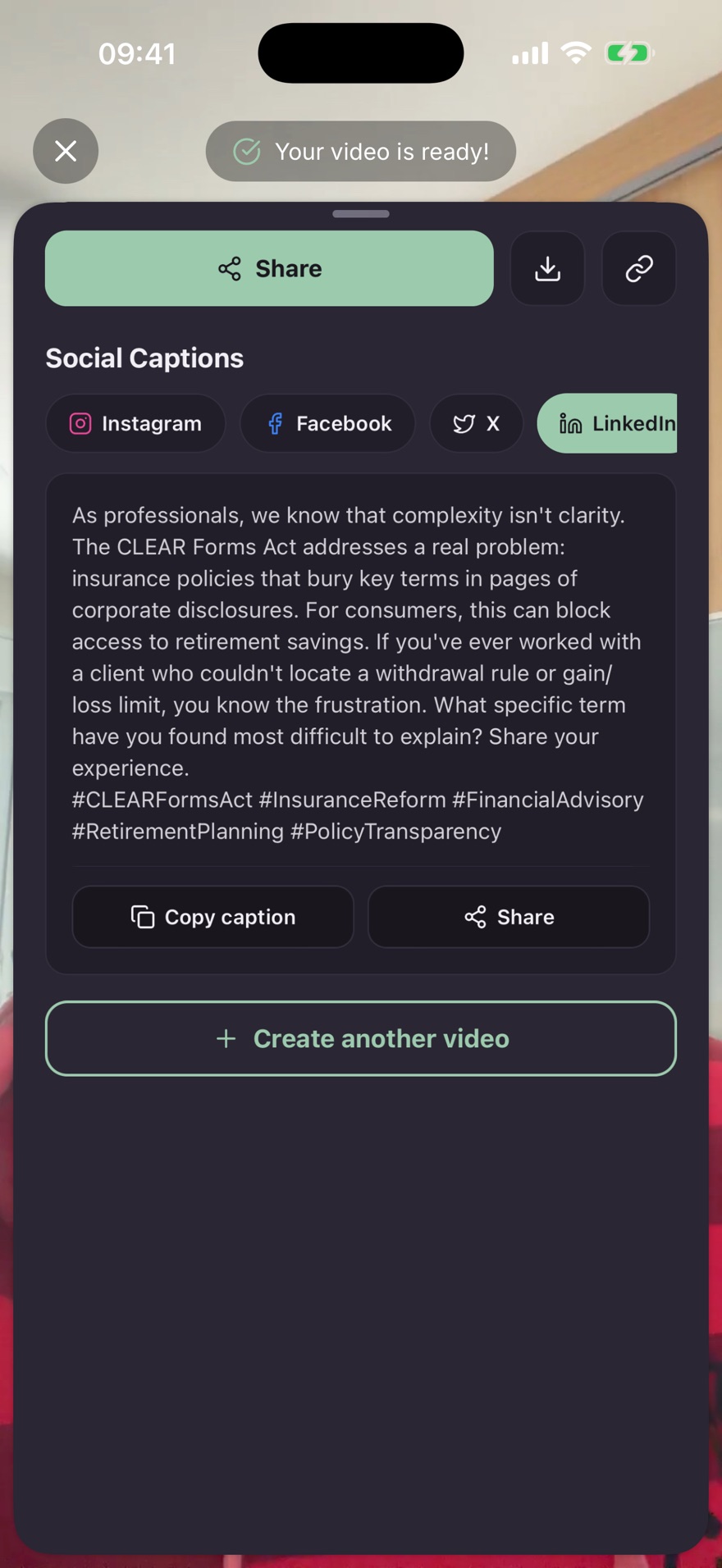
The video, an Instagram post and a caption per channel.
A closer look at the app.
Real screens from the iPhone app.
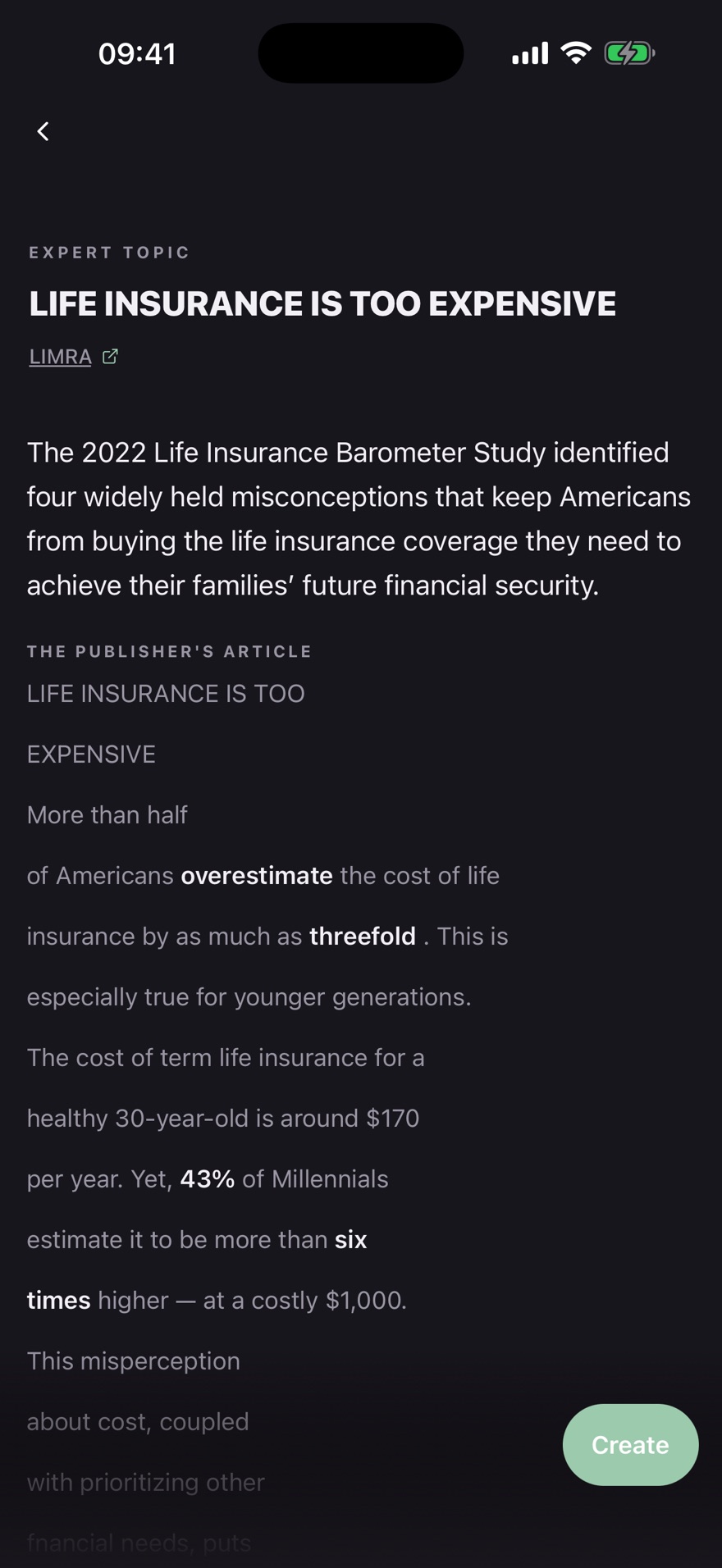
Topics from real industry news
Start from an article in your field, with its source on screen.
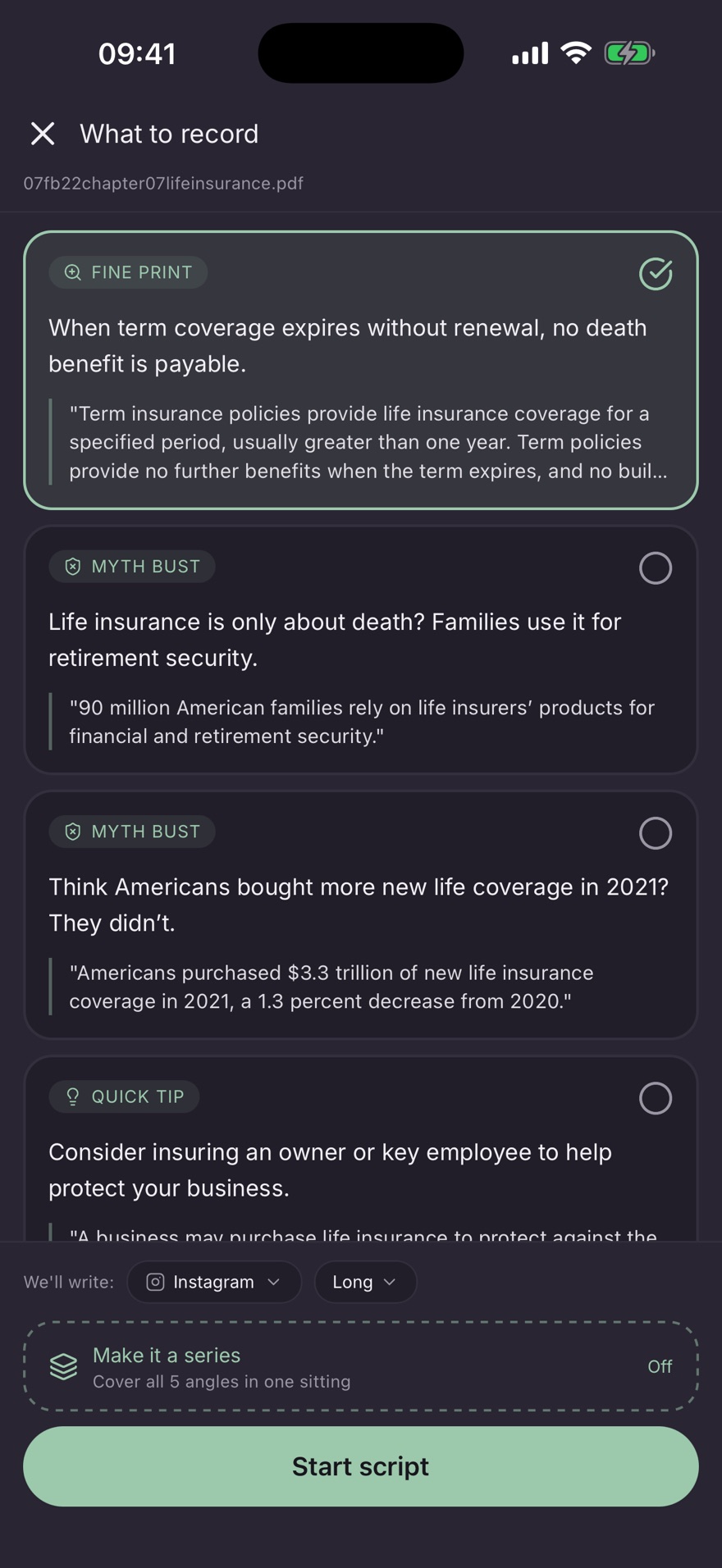
Scripts from your own material
Bring a PDF. The app finds what is worth recording.
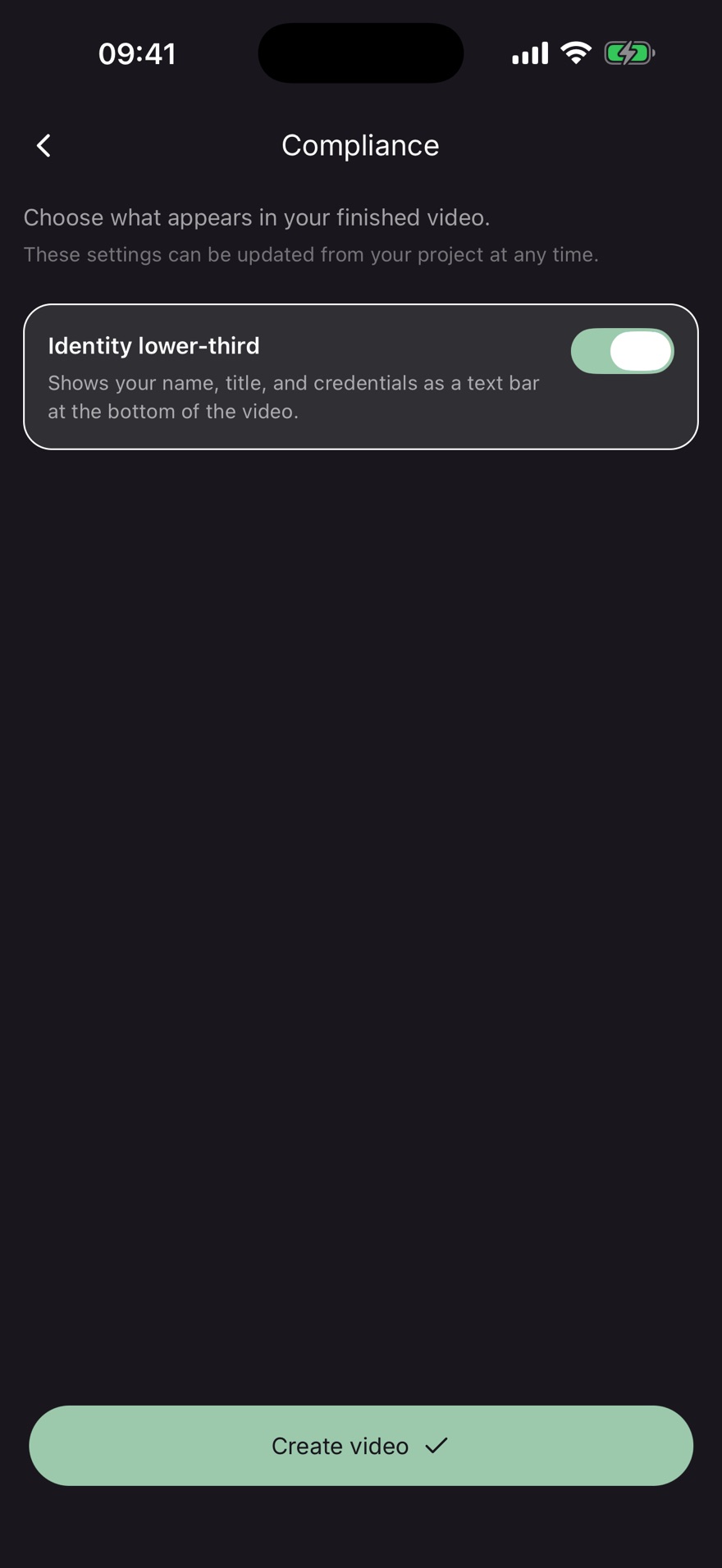
Your name and credentials on screen
Your name, title and credentials as a bar on the video.
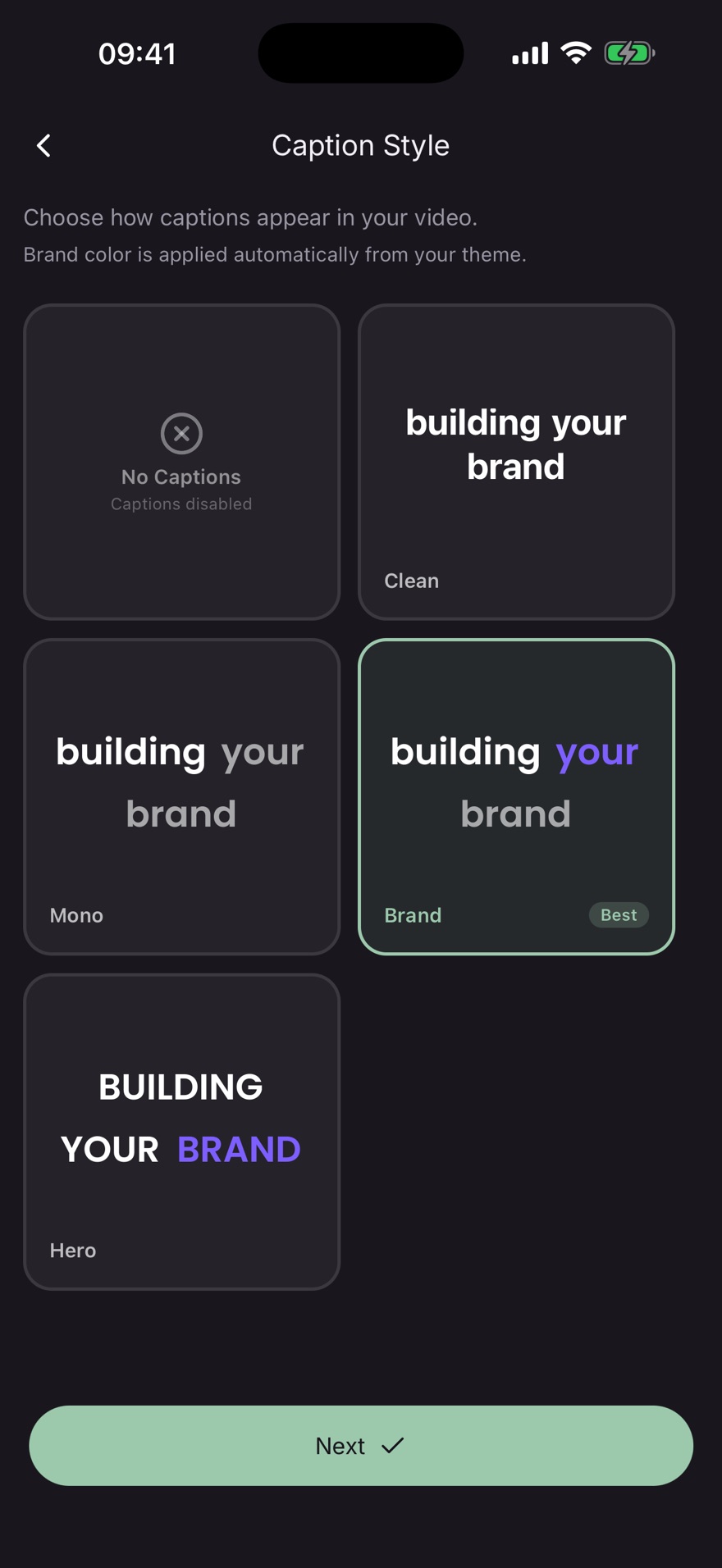
Caption styles that match your brand
Clean, Mono, Brand or Hero, in your brand color.
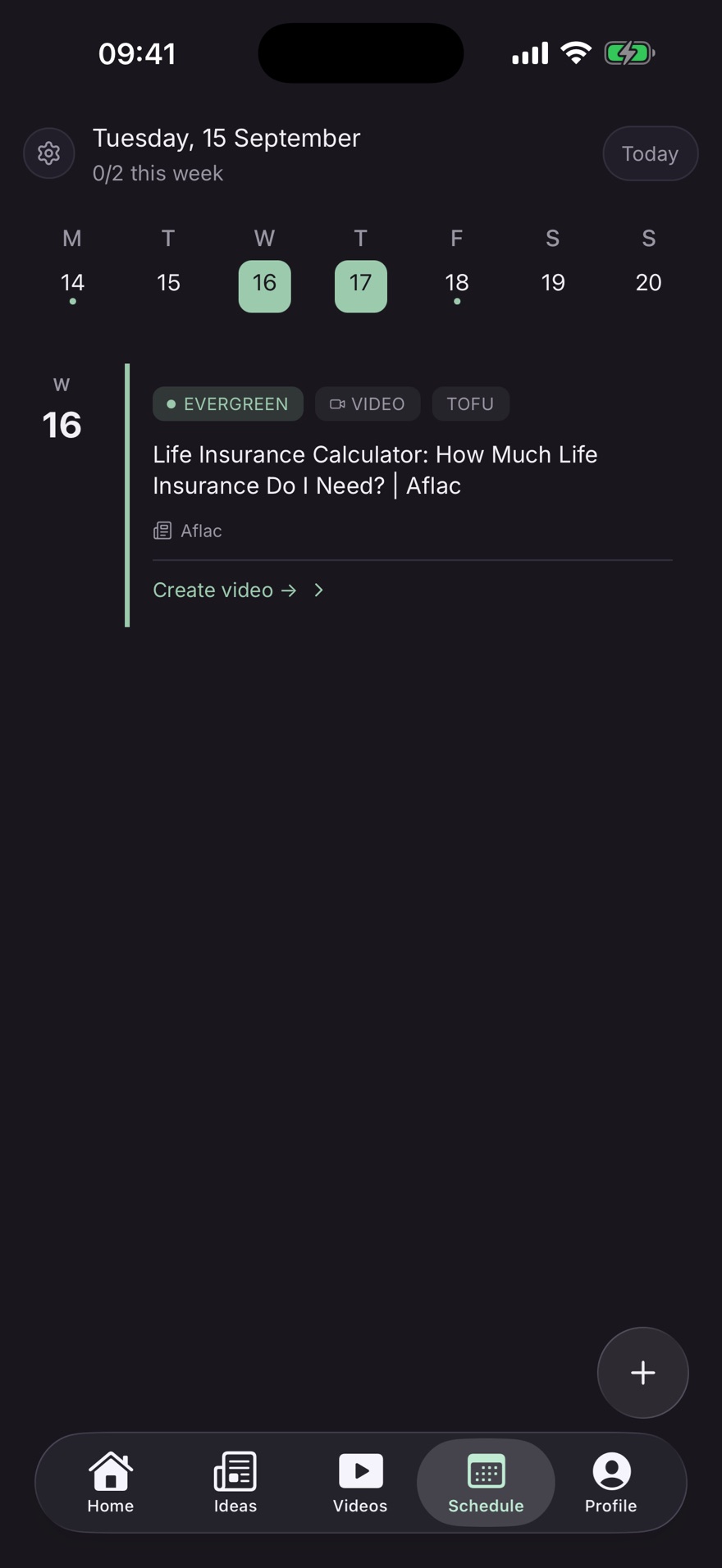
A calendar for your week
A suggested topic waits on the day you film.
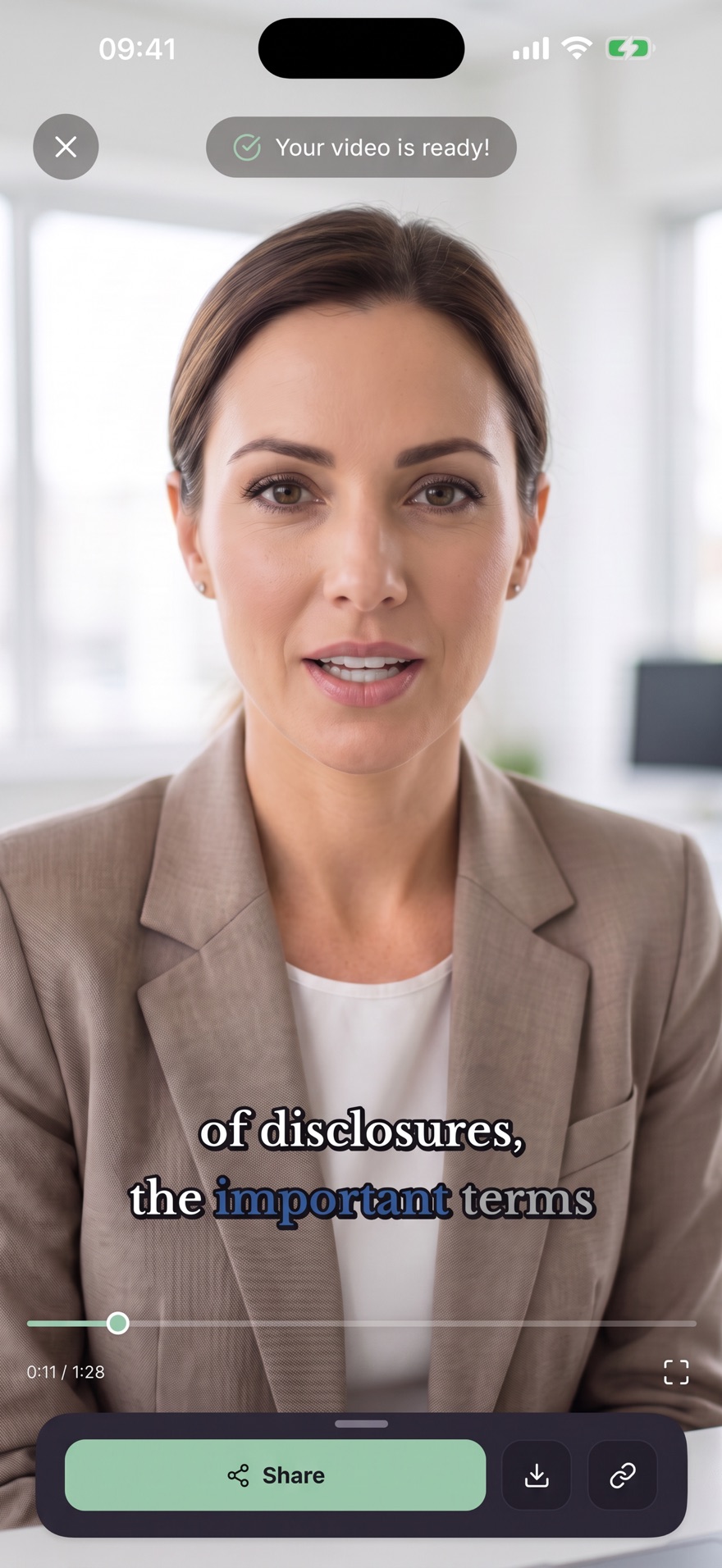
What you post.
One recording: the captioned video and a caption for each channel.
‘How much does life insurance cost?’ is the wrong first question.
The right one: ‘What am I actually buying for that price?’
#LifeInsuranceAgent #CoverageGap #ClientAdvice
There isn’t one honest price for life insurance.
Before you compare another quote, check:
- How long the coverage lasts
- Whether the premium can change
- What happens if you stop paying
- What exclusions and guarantees apply
#LifeInsuranceAgent #LifeInsuranceCost #CoverageGap
Every feature, on every plan.
Choose monthly or annual billing. Both start with a 7-day free trial. A card is required. Cancel in your App Store settings before day 8 and you pay nothing.
Annual
Lowest monthly costBilled $420/year. Regular: $600/year.
Every feature included. The lowest monthly cost.
Start 7-day free trial on iPhoneCard required. 7 days free, then $420/year. Cancel before day 8 to pay nothing.
- AI scripts written from your brand profile
- Built-in teleprompter
- Automatic editing and assembly
- Custom caption styles
- Designed Instagram posts
- Captions for LinkedIn, X and YouTube
- Brand profile (colors, fonts, tagline)
Monthly
Billed monthly
Every feature included. Cancel anytime in your App Store settings.
Start 7-day free trial on iPhoneCard required. 7 days free, then $50/mo. Cancel before day 8 to pay nothing.
- AI scripts written from your brand profile
- Built-in teleprompter
- Automatic editing and assembly
- Custom caption styles
- Designed Instagram posts
- Captions for LinkedIn, X and YouTube
- Brand profile (colors, fonts, tagline)
Common questions
I'm not comfortable on camera. Where do I start?
The script runs on screen in a built-in teleprompter, so you read instead of memorizing. You record in sections and can redo any line. Practiq then joins the clips and adds captions.
Do I need editing skills?
No. Your clips are joined and captions are added in the style you chose: none, Clean, Mono, Brand or Hero. You review the finished video before you post it.
Is the content checked against my carrier or state rules?
No. Practiq does not perform compliance review and does not know your regulator's rules. You review and approve everything before you post, and you stay responsible for what you say. The app can add a bar with your name, title and credentials at the bottom of the video.
Who owns my videos?
You do. Your recordings, your brand material, and the videos and posts you make with Practiq are yours, and we claim no ownership of them. We do not train any model of our own on your recordings, transcripts or scripts.
How does the free trial work, and how do I cancel?
Every plan starts with 7 days free. A card is required. Cancel in your App Store settings before day 8 and you pay nothing. After that, you can cancel anytime in the same place.
Is there an Android version?
No. Practiq is an iPhone app, available on the App Store. On a computer, the site gives you a QR code to open it on your phone.
Which languages does it support?
English and Portuguese.
Make your first video, free for 7 days.
Practiq is an iPhone app. On a computer, you get a QR code to open it on your phone.
Card required. 7 days free. Cancel before day 8 and you pay nothing.